
Android APK
Android TV, TV Box, Firestick
Use this for Android-based devices when the app is not available in the store.
Install IBO Player on your device, copy the MAC address and device key, then request 1-year or lifetime activation through iboplayer.ma.

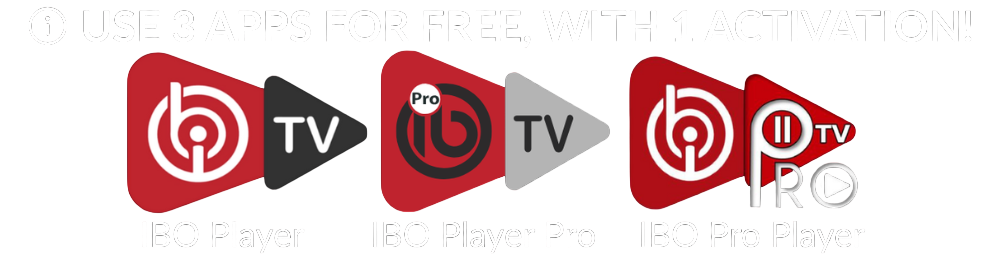
These links point to official IBO Player download files. After installation, activation is handled through checkout and WhatsApp confirmation.
Android TV, TV Box, Firestick
Use this for Android-based devices when the app is not available in the store.

Windows 10 and newer
Install the desktop app, open it, then copy the MAC address shown inside the app.
Intel macOS devices
Open the app after installation and keep the device details visible for activation.

Debian and Ubuntu
For Linux users who want to install the IBO Player desktop package manually.
iboplayer.ma activates supported media player apps for one device and one MAC address. We do not provide playlists, channels, movies, series, IPTV subscriptions, or streaming content.
Checkout collects the details first, then opens WhatsApp with the full request.